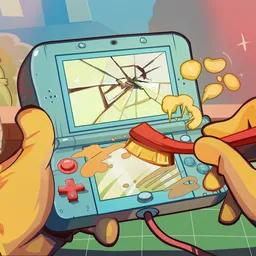
A customer brings in an old handheld console. It barely switches on, the casing is scratched, and several internal components need attention. In ReStory: Chill Electronics Repairs, you run a small electronics repair shop in mid-2000s Tokyo, bringing forgotten gadgets back to life while getting to know the people who bring them in.
The repair work is surprisingly hands-on. You take devices apart, remove dirt and old adhesive, inspect circuit boards, solder damaged connections, replace faulty components, and put everything back together. The workshop handles all sorts of nostalgic technology, from gaming consoles and mobile phones to cameras and music players. There’s also a second-hand market where you can hunt for equipment and spare parts.
Not every important decision happens at the workbench. Customers have their own problems, secrets, and stories, and the way you respond can change what happens to them. Sometimes a seemingly ordinary repair reveals something unexpected. You might have to decide whether to respect someone’s privacy, get involved in their personal affairs, or simply complete the job and move on.
The official ReStory: Chill Electronics Repairs Discord server brings together people who enjoy the game and its attention to detail. Mandragora’s developers actively collect player feedback, discuss requested improvements, and use community suggestions to shape updates. It’s also a place to report repair-related bugs, share workshop experiences, discuss favourite devices, and follow announcements about new content.