Steal A DNA

Steal A DNA official Discord for rare animal discoveries, DNA combinations, mutations, stealing strategies, and game updates.

Steal A DNA Discord server

Created: October 21, 2026

Members: 87

Join Discord Server

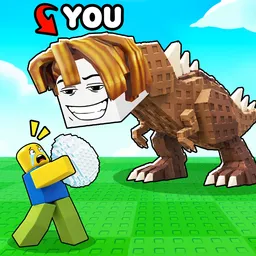
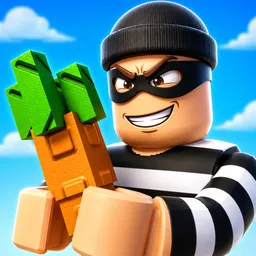
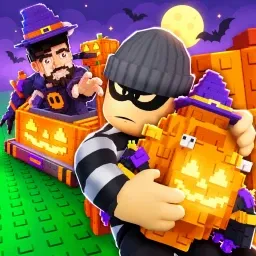
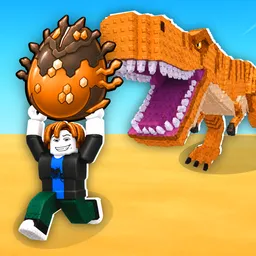
In Steal A DNA, your collection can grow through more than just buying new animals. You start by collecting DNA from animals and merging samples to create new creatures. Those animals generate money, which you can reinvest in upgrades for your pen and treadmill. But other players can steal DNA from you, so building a collection is only half the challenge.

The official Steal A DNA Discord gives players a place to follow announcements, discuss discoveries, and share their progress. With rare DNA, different animal sizes, and mutations to find, there’s plenty to compare with other collectors. It’s also a useful place to keep up with changes as the game develops.

Speed matters when you’re trying to steal from other players, making treadmill upgrades more than a side activity. Meanwhile, expanding your pen and merging DNA gives you new ways to build up your collection and income. Deciding what to upgrade first becomes part of the grind, especially when you’re trying to protect what you’ve already collected.

The fun lies in discovering what a new DNA combination can produce — and making sure another player doesn’t walk away with it. The official Discord keeps the conversation going around rare finds, collection progress, and the latest changes to Steal A DNA.

How to join the Steal A DNA Discord server?

If you are wondering how to join the discord server "Steal A DNA" to get the latest updates, announcements, and guides, just follow these simple steps:

  1. Scroll back to the top of this page and click the prominent "Join Discord Server" button.
  2. You will be instantly redirected to the official invite link for the Steal A DNA community.
  3. If the direct link doesn't open automatically on your mobile device, simply copy the invite code from the URL, open your Discord app, click the "+" (Add a Server) icon, choose "Join a Server", and paste the code there.

Safe Browsing Reminder

Please note that Discord.Do is an unofficial educational guide and catalog. We are not affiliated with Discord, Inc. We will never ask for your password, email, or login token. True Discord authentication happens strictly on the official discord.com domain. Always verify your browser's address bar and practice digital hygiene!

Leave a Reply

Your email address will not be published. Required fields are marked *